
Content note: this page was written by Claude (AI) for Pensacola Locksmith.
Start with the simplest question: is it the code or the lock
When a keypad refuses a code, it is natural to assume the code is wrong. Sometimes it is, but just as often the code is right and the lock is not listening properly. Telling the two apart saves a lot of frustration. The lights, sounds and behavior of the keypad usually offer the clue.
If the keypad does not light up or make any sound when you touch it, the lock probably has no power, and the code is irrelevant. If it lights up and beeps but rejects the code, the electronics are alive and the issue lies in the code, the user settings or a temporary lockout. If it accepts the code but the bolt does not move, think motor or alignment.
Write down exactly what you see and hear. A single long beep, three short beeps and a red flash can mean very different things on the same lock. The manual, or the label inside the battery cover, often explains the signals. When you call a technician, those observations speed up everything that follows.
Weak batteries cause strange code behavior
Low batteries rarely announce themselves with a clean failure. Instead, the keypad may miss some presses, respond slowly, or reject codes that are correct because one digit was not registered. You may find the lock works when you press firmly and slowly, and fails when you type quickly.
The motor is the biggest power draw. A keypad lock can show a lit panel and accept the code, yet lack the strength to move the bolt. It then reports an error, or simply buzzes. People often read this as a wrong code, when in fact the code was accepted and the bolt could not follow.
Replace the batteries with fresh ones of the recommended type, and clean the contacts if they look dull or crusty. In humid climates like ours, corrosion at the contacts is common. After replacing the batteries, wait a few seconds, then try the code again, slowly and deliberately. Many keypad problems end right there.
The lockout timer and wrong-attempt protection
Most keypad locks protect themselves against guessing. After a certain number of wrong attempts, the keypad shuts down for a period, anywhere from a few seconds to several minutes. During that time, even the correct code is ignored. This feature is useful, and also confusing when you do not know it exists.
It often happens when a guest, a child or a cleaner types the code incorrectly several times in a row, and then the owner arrives and finds the keypad dead. The lock looks broken, but it is simply waiting. Step back, wait a few minutes, and then try again carefully.
If you cannot tell whether the lock is in lockout, listen for repeated beeps or watch for a flashing light that does not clear. The manual will describe the signal and the waiting time. Avoid typing repeatedly during lockout, since some models extend the delay with each wrong attempt. Patience is the fix.
Typing habits and how codes are entered
Keypad locks differ in how they read a code. Some require you to press a button first, such as a star or a lock symbol, before the code is accepted. Some need a confirming key at the end. Some are touch screens that only respond when your finger lands firmly in the center of each digit.
Small habits matter. A finger that is wet, cold or covered in lotion may not register on a touch surface. Fingernails can behave differently from skin. Sand, salt residue and sunscreen can build up on the keypad and make some areas less sensitive. Wiping the surface with a soft, dry cloth often restores response.
Also check that you are pressing in the right order and not too fast. Some locks ignore digits typed in quick succession. If you wake the keypad with a hand wave or a touch before typing, give it a moment to light up fully. If the lock has a backlit panel, the lighting should be steady before you begin.
User codes, schedules and master codes
Many keypad locks hold more than one code, with different roles. A master or programming code is used to change settings, and user codes open the door. Some systems also allow temporary or scheduled codes that only work on certain days or hours. A code that suddenly fails may have simply reached the end of its schedule.
Another cause is a change someone else made. A family member may have updated the code, a property manager may have removed old ones, or a reset may have cleared the list. If more than one person manages the lock, check with them before assuming a fault.
If you have the master code, you can usually review or reset user codes. Do this carefully, with the manual in hand. If you no longer have the master code, resetting the lock may be the only way to regain control, and that deserves care because it can erase everything stored in the lock. We can talk through the safest route for your model.
What a reset does and does not do
Most keypad locks offer a reset, often a small button inside the battery compartment or on the interior housing. A reset typically returns the lock to factory settings. User codes are erased, and the master code returns to a default or is cleared so you can set a new one.
That can be a helpful clean slate, but it has consequences. Any guest codes, scheduled codes and special settings disappear. If the lock is linked to an app or hub, the pairing may be lost. After a reset, you have to rebuild the setup, so keep the manual and your list of users close.
Never reset blindly. Make sure you know how to set a new master code afterward, and decide who will receive new user codes. A reset also gives you a chance to choose stronger codes. Avoid birthdays, repeated digits and simple sequences, which are the first things anyone would try.
- Replace batteries before resetting
- Have the manual and your user list ready
- Set a new master code immediately afterward
- Choose codes that are not easy to guess
Worn keypads, dirt and moisture
The keypad is the part you touch every day, and it wears. Rubber or plastic buttons can lose their spring, and the contacts under them can corrode. Pressing a digit may feel normal but fail to register. Often the numbers used most, such as those in your code, are the worn ones.
Moisture is a serious threat. Rain blown against an entry, a cleaning hose, or high humidity can get behind the panel. In a coastal area, salt in the air adds to the damage, creating a fine conductive film. The result can be random digits registering, or the keypad behaving as if buttons were stuck.
If the keypad feels sticky, looks cloudy, or has visible corrosion, power the lock down by removing batteries, let it dry thoroughly, and clean the surface gently. Do not spray liquid into it. If problems continue after it dries, the keypad assembly may need to be replaced. A technician can tell whether that part is available for your model.
When the code works but the door does not open
Sometimes the keypad accepts the code with a happy beep and a green light, and the door stays locked. This points away from the code and toward the bolt, the motor or the door. The lock tried to move the bolt, and something prevented it.
The most frequent cause is a door that binds. If the door has shifted, the bolt presses on the strike, and the motor cannot overcome the friction. Try lifting or pressing the door gently as you enter the code. If the lock suddenly works, the door fit is the problem. Another cause is a weak battery, which we covered above.
A third possibility is a failed motor or a stripped gear. The lock may make a whirring or grinding sound, without any movement of the bolt. This is a mechanical failure inside the lock and needs repair or replacement. A technician can inspect the lock and test it with the door open, to see which cause applies.
Getting in when nothing works
Most keypad locks include a backup, such as a hidden key cylinder or external battery contacts. If the keypad fails, try these. A nine-volt battery touched to external contacts can power the lock for one unlock, and a key in the hidden cylinder bypasses the electronics entirely.
If you have neither or they do not work, call a locksmith rather than forcing the lock. Forcing a keypad lock often destroys the electronics and may damage the door. A technician can usually open the door without harm by working on the bolt or the cylinder directly, depending on the model.
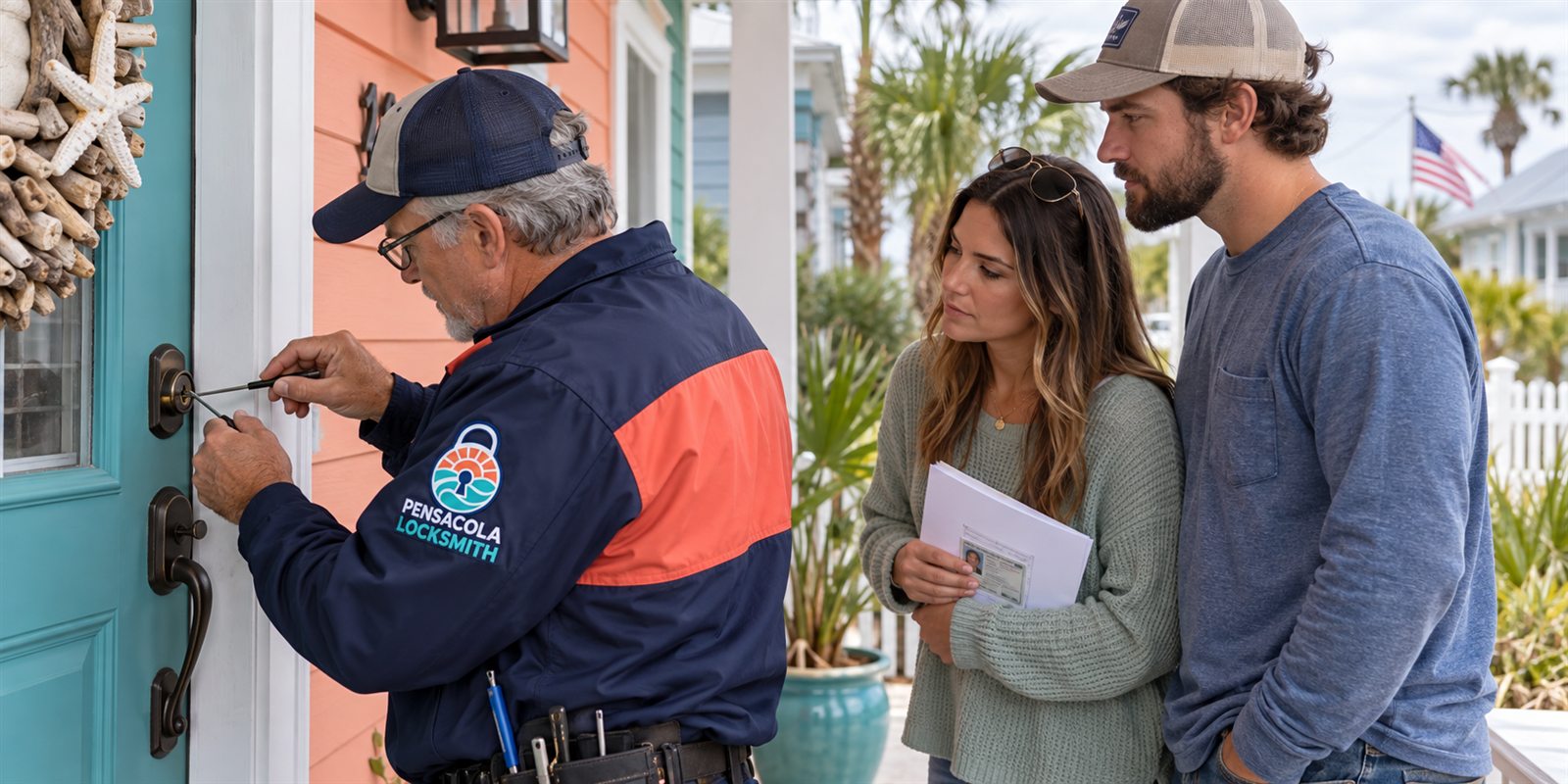
We check ownership or authority before opening any door, so expect to show that you live there, manage the property, or have the owner's permission. This protects the property and the people inside. Quotes are given by phone, and please call to confirm availability. Tell us the brand, whether there is a key cylinder, and what the keypad does.
Rentals, short stays and shared codes
Keypad locks are popular in vacation rentals and shared properties because codes can be changed without handing out keys. They also create their own problems. Guests mistype codes, codes expire, and owners forget which codes are active. A tidy code list prevents many calls.
Delete codes when guests leave and keep a log of who has which one. Avoid giving the master code to anyone who does not need it. If a code has been shared widely and you no longer know who has it, change it. This is a normal part of security for a rental.
For owners who live out of town, plan for failure. Keep a trusted local contact who can reach the property, and have a backup method in place. If a guest is locked out and cannot reach you, a locksmith can only open the door once ownership or authority is confirmed. A clear process helps everyone, including the person standing outside at night.
Replacement, upgrades and choosing a better lock
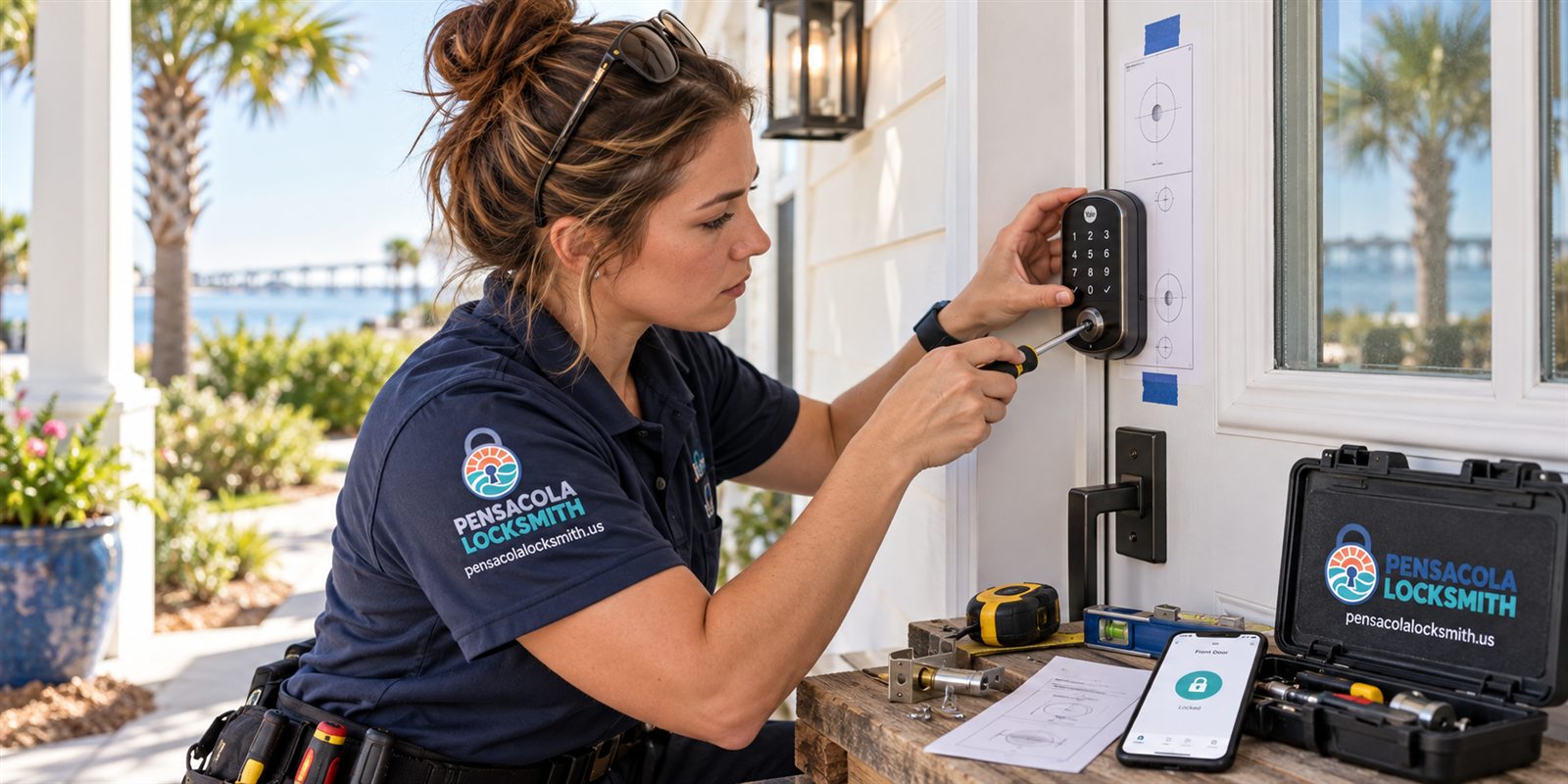
Sometimes the right answer is a new lock. If the keypad is worn, the motor is failing, or the model is no longer supported, repair may not make sense. A technician can fit a new keypad deadbolt to the existing door preparation, set up codes, and test it with the door open and closed.
When choosing a replacement, look at the backup method, the battery life, the weather resistance and how codes are managed. A lock with a physical key backup and a clear low-battery warning is more forgiving. A sealed keypad and corrosion-resistant finish help near the water.
Think about who uses the door. A household with young children, older relatives or frequent guests needs a lock that is easy to understand. Choose one you can operate in the dark, with full hands, in a hurry. If the job is complicated, a technician visits and the service call charge is explained before dispatch.
A short routine that avoids most keypad problems
Change the batteries on a schedule, not only when the warning appears. Wipe the keypad with a dry cloth every few weeks. Test the backup key or external contacts once or twice a year. These small steps cover most failures before they leave you outside.
Review your code list regularly. Remove codes that are no longer needed, and write down who holds the active ones. Keep the master code and the manual in a safe place, not on the door or in a note on your phone that others can see.
Check the door too. A door that sticks makes the lock work harder, drains batteries and wears the motor. A small adjustment now prevents repeated failures. If your keypad lock begins to behave oddly, act on it early, and call us with what you noticed. We will explain what is likely and what a visit would involve.
Exterior keypads versus interior ones
Where the keypad sits changes how it fails. A keypad on a front door exposed to sun, rain and salt faces a harder life than one on an interior office door or a pantry. Exterior keypads are usually built with better seals, but even good seals age, and the surface takes the brunt of the weather.
Interior keypads fail for gentler reasons, like worn buttons, loose wiring or batteries that nobody remembered. Because they are used less in rough conditions, they tend to last longer, but a business door with heavy daily traffic can wear its keypad quickly. Count how many times a day the door is used when you think about wear.
Describe the location when you call. Whether the lock is on a garage side door, a gate near the water or an interior storage room tells the technician what to bring and what to look for. It also helps us judge whether the keypad can be cleaned and kept, or whether a more weather-resistant replacement is wiser.
Common questions
Why does my keypad lock reject a code I know is right?
Common reasons are weak batteries causing missed presses, a temporary lockout after wrong attempts, a code that was changed or scheduled to expire, or a dirty or worn keypad. Replacing the batteries and waiting out any lockout timer are good first steps.
Is it safe to reset my keypad lock?
A reset usually erases all user codes and sometimes the master code, so it is safe only if you are ready to set everything up again. Change the batteries first, have the manual and your user list ready, and set a new master code afterward.
The code is accepted but the door stays locked. Why?
The lock probably tried to move the bolt and something stopped it. A door that binds on the frame, weak batteries or a failed motor are the usual causes. Lifting or pressing the door gently while entering the code can show whether alignment is the issue.
Do you need proof I own the property?
Yes, we check ownership or authority before opening, rekeying or replacing a lock. A lease, bill or the owner's confirmation can serve. This protects the property and everyone who uses it.
How do I get a quote and confirm availability?
Call us and describe the lock and what the keypad does. Quotes are given by phone. If the job is complicated, a technician visits and the service call charge is explained before dispatch. Please call to confirm availability.