Content note: this page was written by Claude (AI) for Pensacola Locksmith.
What people usually mean by smart lock
The phrase covers several different products. A keypad lock lets you enter a code on the door and needs no phone at all. A Bluetooth lock talks to your phone when you are close to the door. A Wi-Fi connected lock, often through a small bridge, lets you check status and send codes from anywhere. Many models combine two or three of these, which can be confusing when you are comparing options.
Underneath the electronics, almost every smart lock still has a motor that moves a deadbolt, and most still keep a regular key slot as a backup. That detail matters. The lock is still a mechanical bolt in a door, which means the door, the frame and the strike plate carry just as much weight as they do with an ordinary lock.
Before choosing, it helps to think about the problem you want to solve. Some people want to stop carrying keys. Some want to give a cleaner or a family member a code that can be removed later. Others manage rentals and want to avoid handing out metal keys. The goal drives the type, so we begin with that conversation.
Keypad locks: the simplest approach
A standalone keypad lock stores codes inside the lock itself. You program them at the door, and nothing needs a phone or internet. Because there is less that can go wrong, this style appeals to people who want a modern door without a lot of setup. You can give a different code to each person and delete one without touching the others on most models.
The tradeoffs are straightforward. You cannot change codes remotely, and you will not get a notification when someone enters. Codes also need sensible choices. Birthdays and repeated digits are easy to guess, and worn keys on a keypad can reveal which digits are used. A technician can explain how to choose a code and set the lock to lock itself after a short time.
Keypads are also useful as a second entry for a household that has many people coming and going, like a home with older relatives, caregivers or teenagers. A mechanical key slot usually remains as a backup, and we can set it up so the keyed side still matches your other locks if you prefer.
Bluetooth and Wi-Fi: what the connection really does
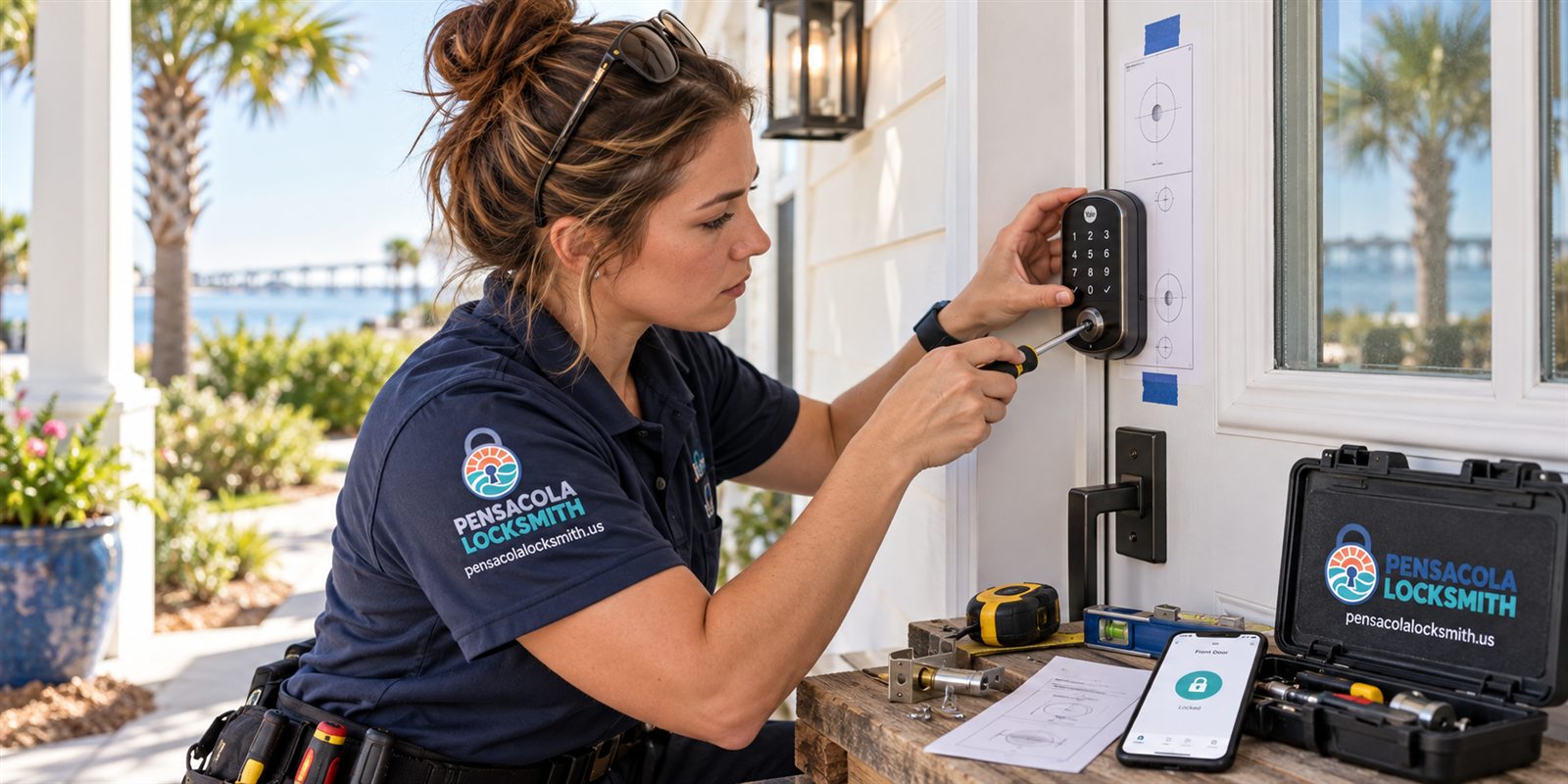
A Bluetooth lock needs your phone within range. That works well for a daily user who just wants to walk up and unlock. It does not need a home network, so a router outage does not affect it. The limits are range and phone battery. If your phone dies, you rely on the keypad or the key slot instead.
A Wi-Fi lock, or a lock with a bridge, adds remote control. You can lock the door from work, issue a temporary code, or check the log. That convenience depends on your home network, and a weak signal at the front door is the most common reason these locks feel unreliable. The router may be fine inside the house but poor at a thick exterior door.
We check signal strength at the door before installing. If the signal is marginal, a small extender or a different location for the bridge can fix the problem. If it cannot be fixed, we may suggest a Bluetooth or keypad model that does not depend on the router so the lock behaves the same every day.
Batteries, power and planning for failure
Almost every smart lock runs on batteries, usually four AA cells, and a low battery is the most common reason a lock stops responding. Most models warn you with a light, a sound or a phone alert well before they stop. The trick is to act on that warning. Keep fresh batteries in the house, and replace them as soon as the alert shows rather than waiting.
It helps to know what the lock does when power is gone. Many have a way to wake the keypad by touching a nine volt battery to contacts on the outside, which gives enough power to enter a code. Others rely on the key slot. We show you where these backups are during installation so you are not learning them during a lockout.
Power outages are a regular Gulf Coast event, especially in storm season. A battery lock keeps working through a blackout, but a Wi-Fi feature will not work if the router has no power. That is another reason to keep a physical key somewhere safe and to be sure someone in the household knows how the backups work.
Does the door suit a smart lock
Smart locks are heavier than ordinary deadbolts, and they need clean holes and a door that closes squarely. If the door drags or the bolt does not extend smoothly, the motor works harder, wears the batteries faster and can fail to complete a lock cycle. A technician checks alignment, the thickness of the door and the bore sizes before anything is installed.
Some doors need extra care. Fiberglass and metal doors may need protection around the cutouts. Old wood doors that have swollen in humid weather may need the strike moved slightly so the motor does not strain. Glass doors and narrow stile doors often cannot hold a bulky lock at all, and we will say so rather than force a poor fit.
We also look at the frame and strike plate, just as we would with a mechanical deadbolt. A smart lock on a weak frame is still a weak door. Reinforcing the strike with longer screws costs little and keeps the lock doing its job whether it is controlled by a code, a phone or a key.
Setting up codes and sharing access sensibly
Once the lock is mounted, the real work is setting it up so it fits the household. We help create a master code, add codes for each person, and set the auto lock timing. Auto lock is useful, but a delay that is too short can lock someone out while they carry groceries, so we adjust it to the way you use the door.
For shared access, think about who really needs it and for how long. A family member may have a permanent code. A visiting cleaner or contractor may need one that works only on certain days. Many connected locks support schedules, and many keypad locks do not. We explain the limits of the lock you pick so nothing is oversold.
It is worth writing down which code belongs to whom, and removing codes when someone no longer needs them. A list kept in a safe place, not on a sticky note by the door, saves confusion later. If you rent out a home, plan to change or delete codes between guests, and treat that as a routine, not an afterthought.
Privacy, accounts and what to keep in your own hands
Connected locks usually need an app and an account. It is worth using a strong, unique password and turning on any extra sign in protection the app offers. The lock is guarding your door, and an account that is easy to guess weakens that. We do not ask for your passwords, and we do not need them to install the lock.
Think about who else will use the app. A shared household login is simple but makes it hard to tell who did what. Separate accounts with limited access are cleaner. If you sell the home or end a lease, remember to remove the lock from your account and reset it so the next owner starts from a clean slate.
Also consider what happens if the company behind an app changes its service. A lock with a strong local mode, such as a keypad and key backup, will still work if the app goes away. That is one reason we often like models that do not depend on a cloud service for the basics of locking and unlocking.
Coastal weather and hardware wear
Salt air and humidity are hard on electronics. Pensacola homes near the bay or the gulf see more corrosion on exterior hardware, and keypad lock faces can get dirty or sticky in a way that inland doors do not. Finishes matter, and so does a good seal around the keypad. Wiping the lock with a soft damp cloth now and then helps.
Sun exposure matters as well. A door that faces west can get hot enough in summer to warp slightly, and a heat stressed lock may slow down or stick. Shade, a proper weatherstrip and a lock rated for outdoor use help. A door that swells in wet months may need a small adjustment to the strike so the motor still reaches full travel.
During hurricane season, plan ahead. If you are evacuating, take a physical key and note your codes in a safe place. Remove batteries if a lock will sit unused for a long time and the manufacturer advises it. When you return, check that the lock still cycles smoothly before relying on it. A quick test while you are standing at the door is enough.
Rentals, short stays and managed properties
Tourism and rentals are a large part of life here, and smart locks fit that world well. A code that changes between guests removes the need to meet people at the door or to track down lost keys. The main idea is to have a process: generate a new code, confirm it works, and remove it after checkout. Without a routine, codes pile up and nobody remembers who has what.
Owners often ask whether a smart lock replaces a physical key. For rentals, we usually suggest keeping a mechanical backup, stored with the property manager or in a secure lockbox, so a dead battery never strands a guest. A lock with a key slot keyed to the owner or manager keeps that option open.
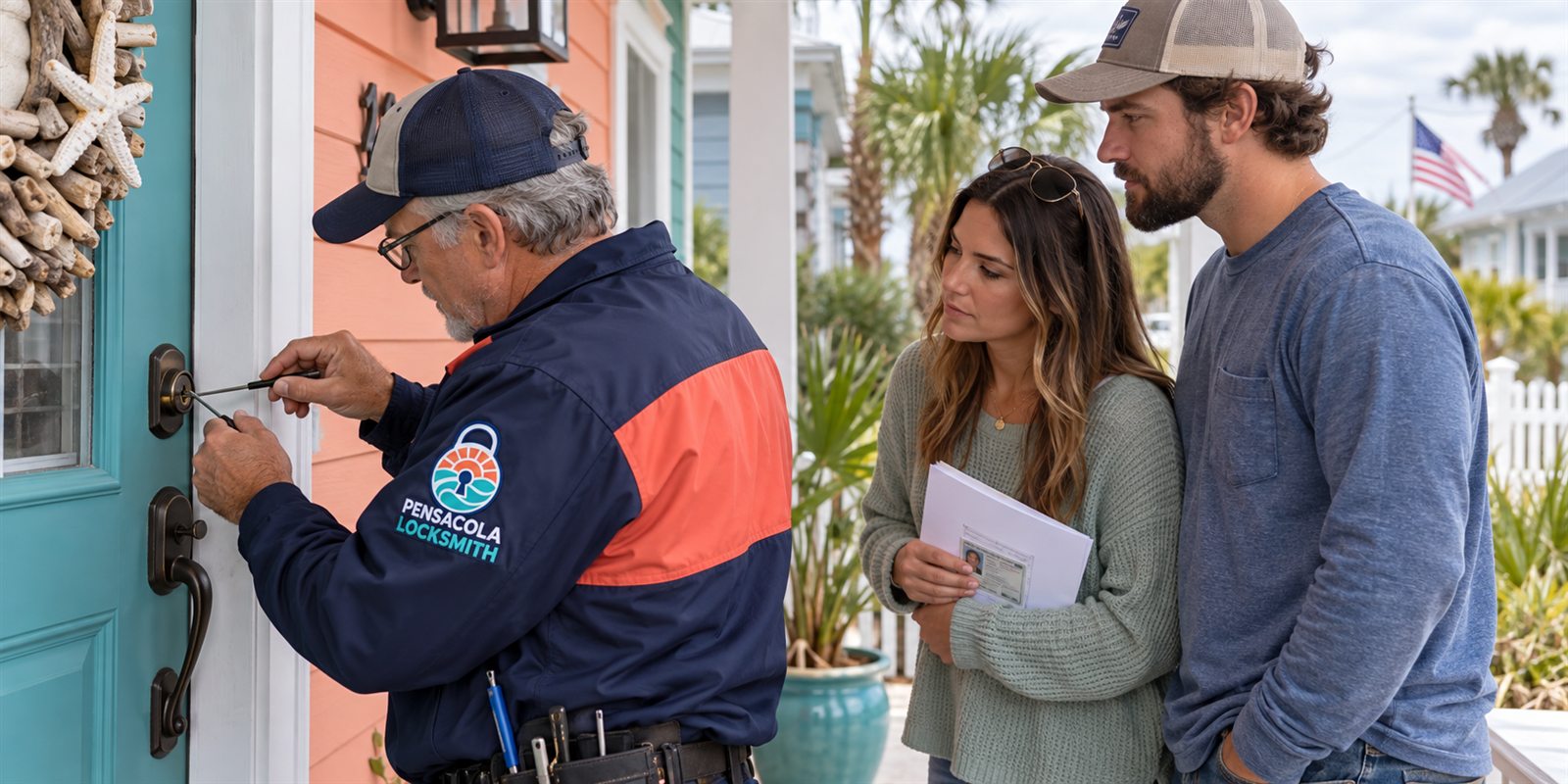
We confirm ownership or authority before installing or programming any lock on a rental. That is a normal step and not an obstacle. If you manage several units, tell us at the start. Planning keying, code policy and battery replacement across many doors is far easier at the beginning than after the first lockout.
Costs, quotes and what happens at the visit
Quotes are given by phone based on what you tell us about the door and the type of lock. If the work looks complicated, such as a door that needs fitting or a network problem at the entry, a technician visits and the service call charge is explained before dispatch. We would rather you know the plan than have a surprise at the door.
At the visit, the technician checks the door and frame, installs the lock, tests the bolt and the backup key, sets up codes with you, and shows you where the batteries go and how to reach the backups. If you bought the lock yourself, we can install it, though we will check that the model fits the door before starting.
Please call to confirm availability. Have the lock model if you already own one, a description of the door, and a few words about how many people will use it. Then we can tell you whether it is a simple job or one that needs more thought, and we can explain the options without pressure.
Switching from a keyed lock without losing what works
Moving to a smart lock does not have to mean throwing out everything you have. If your front door has a handle set and a deadbolt, often only the deadbolt is replaced, and the handle set stays. That keeps the look of the door, keeps the latch that holds it closed, and limits the number of new holes. Some smart locks are designed to fit over the existing deadbolt holes, which keeps the work tidy and the door intact.
There are also retrofit products that attach to the inside of an existing deadbolt and turn the thumb turn with a small motor. They keep the outside key and keyway exactly as they are, which suits renters and people who do not want to alter the exterior. The tradeoff is that the existing lock still needs to work smoothly, because a stiff deadbolt will drain batteries and may fail to turn.
The technician will check how the current deadbolt turns before recommending anything. If it feels rough, we may rekey or replace the cylinder first. A smart device on a poor lock only automates a problem. A short check at the beginning saves a lot of frustration afterward and makes sure the new feature supports a lock that already behaves well.
Questions to settle before you buy a lock
If you have not purchased a lock yet, a few questions help. How many people use the door, and how comfortable are they with phones and apps? Does the household include children or older family members who may prefer a simple code? Do you want to see activity history, or is it enough that the door locks reliably? Answers to these guide which features are worth the added complexity.
Consider the door itself. Does the lock face direct sun or rain? Is there a screen door that gets in the way of the keypad? Is the door wide enough to mount the interior housing without hitting trim? Measuring ahead of time, or describing the door to us over the phone, avoids buying a model that does not fit.
Finally, think about the long term. Locks are installed for years, and batteries, firmware and app support all need attention. Choosing a well known design with a sturdy keyed backup, and one that you understand, is usually better than choosing the longest feature list. We are glad to talk through options by phone before you commit to anything.
Common questions
Will a smart lock still work if the internet goes down?
Keypad and Bluetooth functions usually keep working because they do not rely on your internet. Remote features such as checking the door from away or sending a code from your phone will pause until the connection returns. The key slot and the keypad remain as backups on most models.
What happens when the batteries run low?
Most locks warn you with a light, a tone or an app alert well before the batteries die. Replace them as soon as you see the warning. Many models also let you power the keypad briefly with a nine volt battery, and the key slot works either way.
Can any door take a smart lock?
Not always. The door needs the right thickness and bore size, and it should close squarely so the motor can move the bolt freely. Glass and very narrow doors can be a poor match. A technician checks this before installing and tells you honestly if a different lock suits better.
Do I still need a physical key?
We recommend keeping one. Batteries die, phones go missing and apps sometimes fail. A physical key stored safely gives you a way in no matter what. Most smart locks keep a key slot for exactly that reason.
Do you check ownership before installing?
Yes. For any home or business, we confirm that you own the property or have authority to change the lock. For renters, that usually means permission from the landlord or manager. It keeps the people living there safe and protects you as well.