
Content note: this page was written by Claude (AI) for Pensacola Locksmith.
A smart lock is three systems in one body
It helps to think of a smart lock as three separate things working together. The first is the mechanical lock, with a bolt, a latch and usually a keyway. The second is the electronics, with a keypad or touch surface, a circuit board and a motor. The third is the connection layer, such as Bluetooth, Wi-Fi through a hub, or another wireless link.
A failure in any one of these produces a different symptom. If the keypad lights up but the bolt does not move, the electronics may be fine and the motor or the bolt path may be blocked. If the app cannot reach the lock but the keypad works, the connection layer is the issue. If nothing lights up, think power.
Sorting symptoms this way keeps you from replacing a lock that only needs batteries, or fiddling with the app when the bolt is jammed against the frame. When you call a technician, describe which of the three seems to be misbehaving. That one detail often shortens the diagnosis a great deal.
Batteries come first, and they fail in odd ways
Most smart lock problems begin with power. Locks usually run on a set of common batteries, and as they weaken, the lock does not simply stop. It becomes unreliable. The motor may turn too slowly to throw the bolt, the keypad may miss presses, or the lock may work at night and fail in the heat of the afternoon.
Cold and heat both affect battery output, and in the Gulf Coast summer a lock on a sunny door can get quite warm. Humidity can also corrode battery contacts. A white or green crust on the metal contacts is a sign of this, and cleaning them gently with a dry cloth or a small brush can restore a connection.
Try fresh batteries of the type the manufacturer specifies. Mixing old and new cells or using unbranded ones of an unknown type can cause trouble. Insert them in the right direction, close the cover firmly, and wait a few seconds for the lock to reset. Many apparent failures end here.
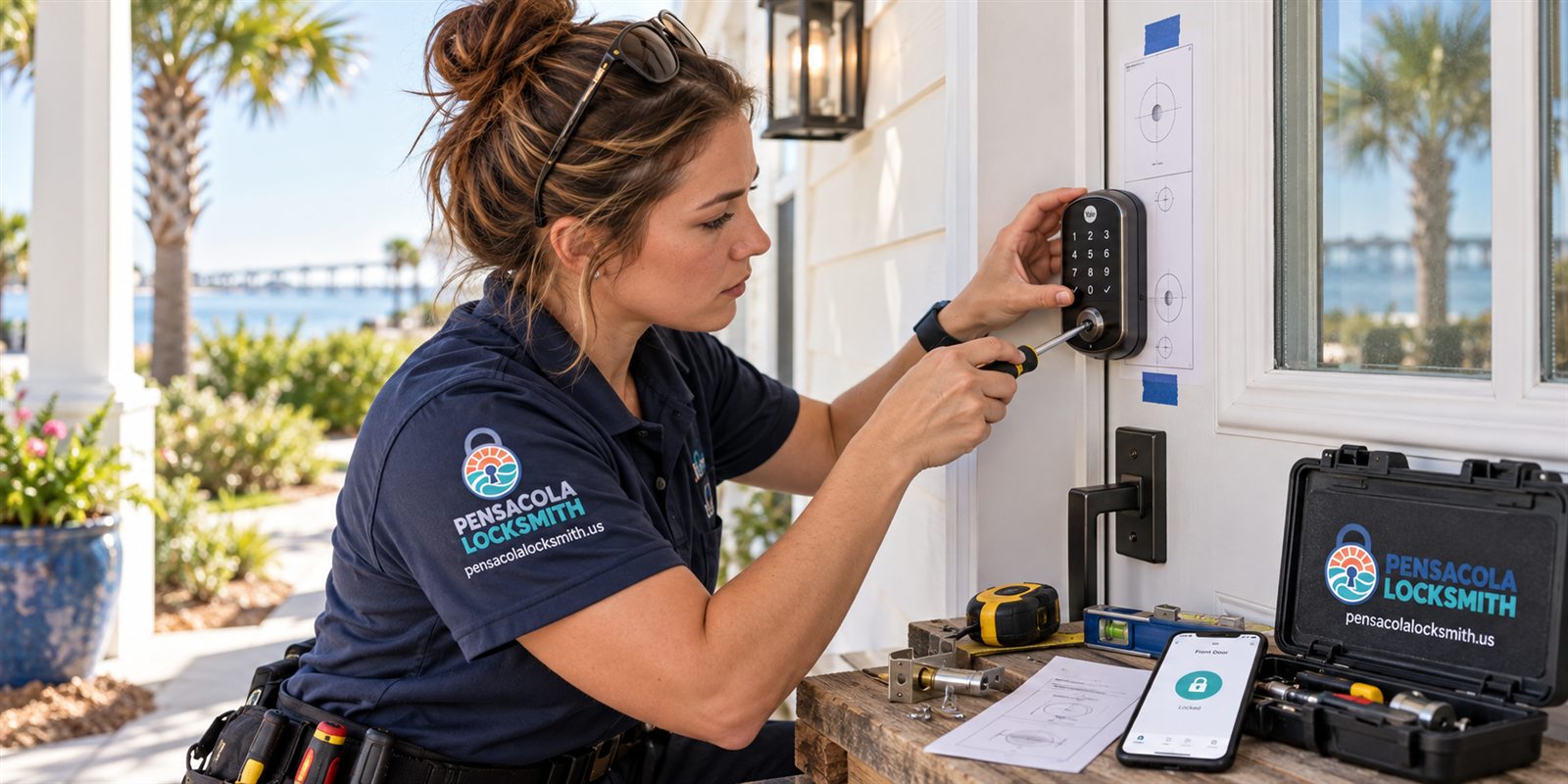
Connectivity: Bluetooth, Wi-Fi and hubs
If the keypad works but the phone app does not, the problem is often in the wireless link. Bluetooth has short range, and walls, doors and metal can weaken it. A phone that worked from the driveway last week may not reach the lock now because of a new case, a changed phone setting or an operating system update.
Locks that rely on Wi-Fi or a hub add more places for something to break. A router restart, a changed password, a new network name or a hub that lost power can cut the lock off. The lock itself may be perfectly fine, and the problem is the path between it and your phone.
Check the basics. Restart the app, toggle your phone's Bluetooth, move closer to the lock, and see whether the lock appears. Check that your home network is working and that the hub, if you have one, is powered and connected. If the lock was recently reset, you may need to pair it again.
Door alignment can look like electronic failure
Many smart lock complaints are really door complaints. A motorized lock needs the bolt to slide freely. If the door has shifted, the bolt presses against the strike, the motor strains, and the lock may report a jam or stop halfway. It looks like a failing lock, but the lock is trying its best against friction.
A quick test is to open the door and operate the lock from the keypad or app. If the bolt extends and retracts smoothly with the door open, the electronics and motor are probably healthy. If the lock struggles only when the door is closed, alignment is the cause.
Humidity makes this worse. Doors swell in summer and sag with age, and a motor that once had spare strength may now be pushing at its limit. Adjusting the strike, tightening hinges or easing the bolt hole often brings the lock back to normal. Replacing a perfectly good smart lock would solve nothing here.
Motors, gears and wear
The motor in a smart lock is small, and the gears that turn the bolt are often plastic or thin metal. Used several times a day for years, they wear. You may hear a grinding sound, a whine without movement, or a lock that starts to move and gives up. Those are signs the drive train is tired.
Heavy doors and tight fits put extra load on the motor. A door that rubs makes the motor work harder each time, shortening its life. Using a lock that is mounted on a door which swells and sags, as many do near the coast, adds to the load. Fixing the door often extends the life of the lock.
When the motor or gears fail, repair is not always possible. Some models offer replacement modules, and others must be replaced entirely. A technician can tell you which applies, and can often keep the mechanical parts, keys and strike while swapping the electronics. The decision depends on the model and the age of the lock.
The mechanical override is your safety net
Most smart locks keep a traditional keyway or an emergency access point, often hidden behind a small cover. The idea is that if the electronics fail, you can still lock and unlock the door with a physical key. Not everyone knows where theirs is, or has used it, so the override can feel unfamiliar when you finally need it.
Find your override now, while nothing is wrong. Remove the cover, look at the keyway, and test the key. Make sure the key turns smoothly, and keep a copy somewhere safe but reachable, not only inside the house. A spare in a trusted person's hands can be a lifesaver if you are locked out.
Some locks have no keyway at all, relying on a backup power point instead. A battery terminal on the outside lets you touch a nine-volt battery to the contacts and wake the lock briefly. If your model works this way, keep a suitable battery on hand and know how to use it.
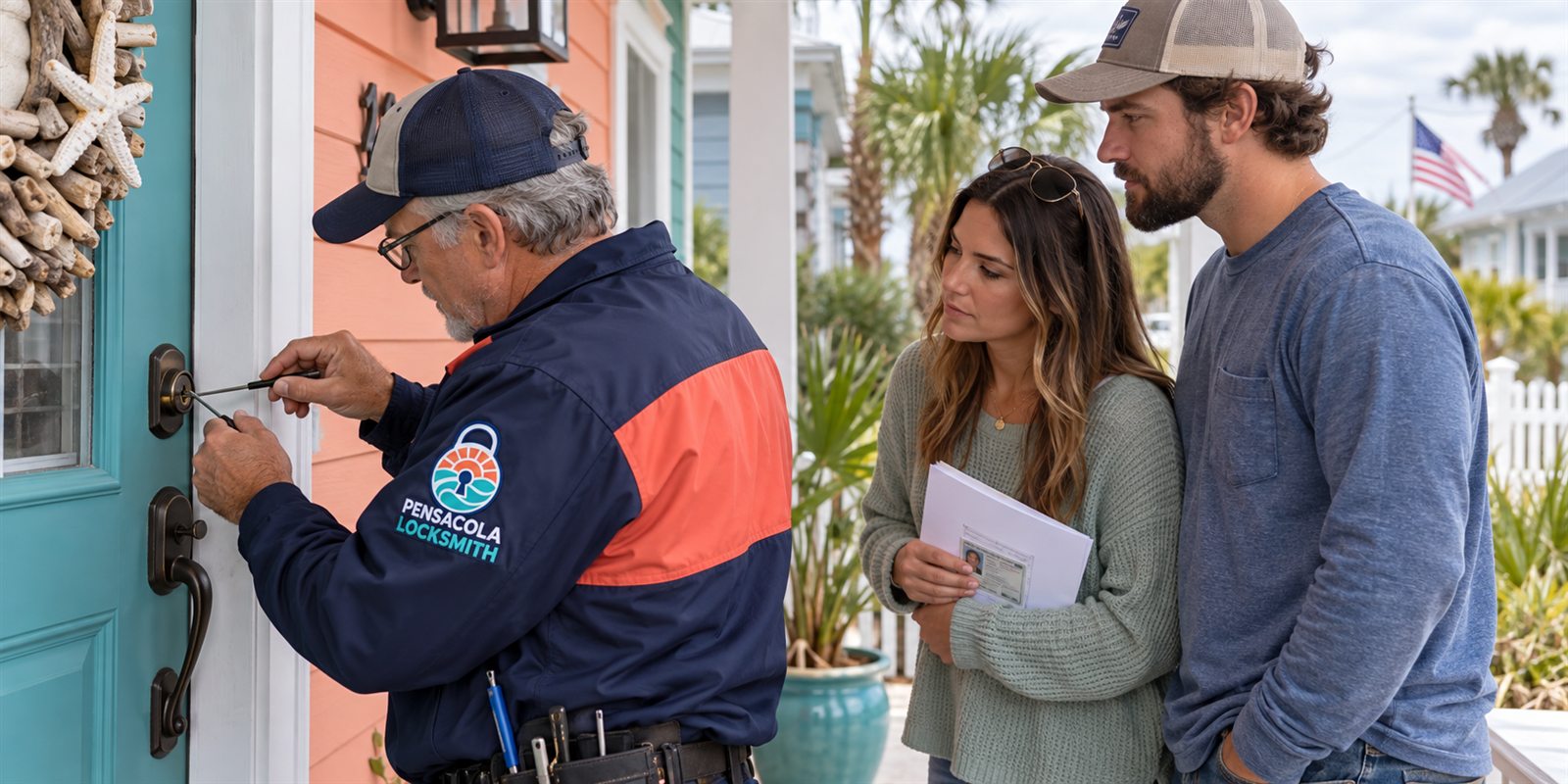
Steps to try in a sensible order
Work from simple to complex. First, check the batteries and the contacts. Second, check whether the lock responds at the keypad, which separates the electronics from the connection layer. Third, try the app, with the phone close to the door. Fourth, test the door fit by operating the lock with the door open.
Keep notes on what you tried. If you reset the lock, record when and how. If you changed the batteries, note the brand and age. If you moved the router or changed your network name, mention that. These details help a technician avoid repeating steps and speed up diagnosis.
Avoid repeated resets without understanding what each one does. A factory reset may erase user codes, pairing and settings. That can turn a small problem into a long reconfiguration. If you are not sure, stop and call. We can describe what is likely to be safe on your model before you try something you cannot undo.
- Check batteries and clean contacts
- Try the keypad before the app
- Operate the lock with the door open
- Know where the mechanical override is
Firmware, updates and the quiet changes
Smart locks, like phones, receive software updates. An update can fix problems, but it can also change behavior, require a new pairing, or interact oddly with a hub. A lock that worked yesterday may behave differently after the app or its firmware updated overnight.
Phone updates matter too. Operating system changes can alter how Bluetooth permissions work. If the app stops seeing the lock after a phone update, check that the app still has permission to use Bluetooth and location, since many locks need them to find the device.
If you suspect an update is to blame, check the app's notes or support area for known issues. Do not keep resetting the lock in a loop. A technician can help determine whether the lock needs a firmware refresh, a re-pairing or simply a patient restart. Some problems are known and have a standard fix.
Weather, salt air and outdoor exposure
Smart locks are electronic devices installed on the outside of a house. In Pensacola, that means humidity, salt in the air, sun, storms and the occasional gust that drives rain sideways. Good locks are sealed against weather, but seals age, and moisture finds a way in over the years.
Corrosion on the battery contacts and circuit board is a common long-term failure. The lock may work intermittently, then fail. A door that faces the water or the afternoon sun is especially exposed. A cover or overhang above the door can lower the exposure.
After a storm, check the lock. Wind-driven rain can enter a keypad, and a power surge can affect hub-connected locks. If the lock behaves strangely after a storm, let it dry before further tests, and then check the batteries and contacts. If there is visible damage or corrosion, a technician should look at it.
When to repair, when to replace, and ownership
If the problem is batteries, connection or alignment, repair is easy. If the electronics are damaged or the model is obsolete, replacement may be the practical path. A technician can fit a new smart lock to the existing door preparation, often reusing the strike and the bolt hole, and set up user codes and access.
Before opening, rekeying or replacing a lock on a home or business, we check ownership or authority. For smart locks, this extends to the account, since the owner's app or hub controls who can enter. Tell us who owns the property and who administers the lock, so the work respects the right permissions.
Quotes are given by phone after you describe the lock and what it does. If the job is complicated, a technician visits and the service call charge is explained before dispatch. Please call to confirm availability, and have the model name of the lock if you can find it on the housing or in the app.
Rentals, guest codes and shared access
Smart locks are popular in vacation rentals and shared homes because codes can be changed between guests. When such a lock fails, a guest may be stranded outside, and the owner may be far away. Planning ahead with a backup key and a trusted local contact prevents most crises.
Keep the user code list tidy. Too many codes, expired codes and forgotten test codes can clutter the system and sometimes cause errors. Remove codes you no longer need and record who holds each remaining one. When someone leaves the household or ends a rental, remove their code right away.
For property managers with several locks, standardize on one model and one battery type, and keep a schedule for battery replacement. A small habit of changing batteries before they fail removes the most common cause of lockouts. If something does go wrong, call us, say where you are, and we will talk through the options.
Keypad quirks, touchscreens and user codes
Keypads fail in ways that look dramatic but are often mild. A touch surface that stopped responding may be dirty, wet or covered in sunscreen. Wipe it with a soft dry cloth and try again. Physical buttons can wear in the spots people press most, and a worn pad may miss presses even though the lock behind it is healthy.
User codes can also be the issue. Some locks lock out the keypad for a short time after several wrong attempts, which can confuse a guest who is sure they typed the right number. Others require a particular sequence, such as a leading button press, before a code is accepted. Reading the lock's own instructions often clears the mystery.
If a code that used to work stopped, ask whether someone changed it, whether the lock was reset, or whether a schedule limited its use. Many smart locks let owners set time windows for codes. A code that works only on certain days will seem to fail on the others. Check the settings before assuming the hardware is broken.
Preparing for a technician visit
A little preparation makes the visit faster. Note the brand and model if you can find it, usually on the interior housing or in the app. Have fresh batteries ready, since the technician will often start there. Make a list of what you tried and what happened, including any messages the app displayed.
If the lock is managed through an account, have your login details available for the owner or administrator. A technician cannot change settings in an account that belongs to someone else, and may need the owner on the phone. We check ownership or authority before work, and this is part of the same care.
Clear the space around the door so the technician can reach the lock, and keep pets away from the entry. If the lock is part of a larger system with cameras or an alarm, mention that, so no one is surprised by a notification. A calm, organized start leaves more time for the actual repair.
Common questions
What should I check first on a smart lock that stopped working?
Start with the batteries and their contacts, then see whether the keypad responds. If it does, the problem is probably the app or wireless link. Next, operate the lock with the door open to rule out alignment. Know where the mechanical override is in case you need it.
Why does my lock work some days and not others?
Weak batteries, heat or humidity affecting contacts, and a door that swells and binds can all cause intermittent behavior. Fresh batteries and a door fit check solve many cases. If the problem continues, the motor or electronics may be wearing out.
Can a smart lock be opened if the electronics fail?
Most have a mechanical key override or an external battery point. Find yours before you need it, and keep a spare key somewhere reachable. A technician can open the door if neither works, after checking that you own or have authority over the property.
Should I reset my smart lock?
Only if you understand what it erases. A factory reset can remove codes, pairing and settings, creating more work. Try batteries, proximity and a restart first, and call us if you are unsure about your model.
How do I get a quote or confirm availability?
Call us and describe the lock and what it does. Quotes are given by phone. If the job is complicated, a technician visits and the service call charge is explained before dispatch. Please call to confirm availability.